CloneView is an app for browsing and playing files stored on remote storage configured by the user with rclone.
Download
Main Features
- Connect to remote storage using
rclone.conf - Browse files and folders
- Display thumbnails and previews
- Stream audio and video
- Share files with external players and other system features
- Improve playback performance with on-device caching
How to Use
Initial Screen
When the app starts without an rclone.conf file, it asks you to import one.
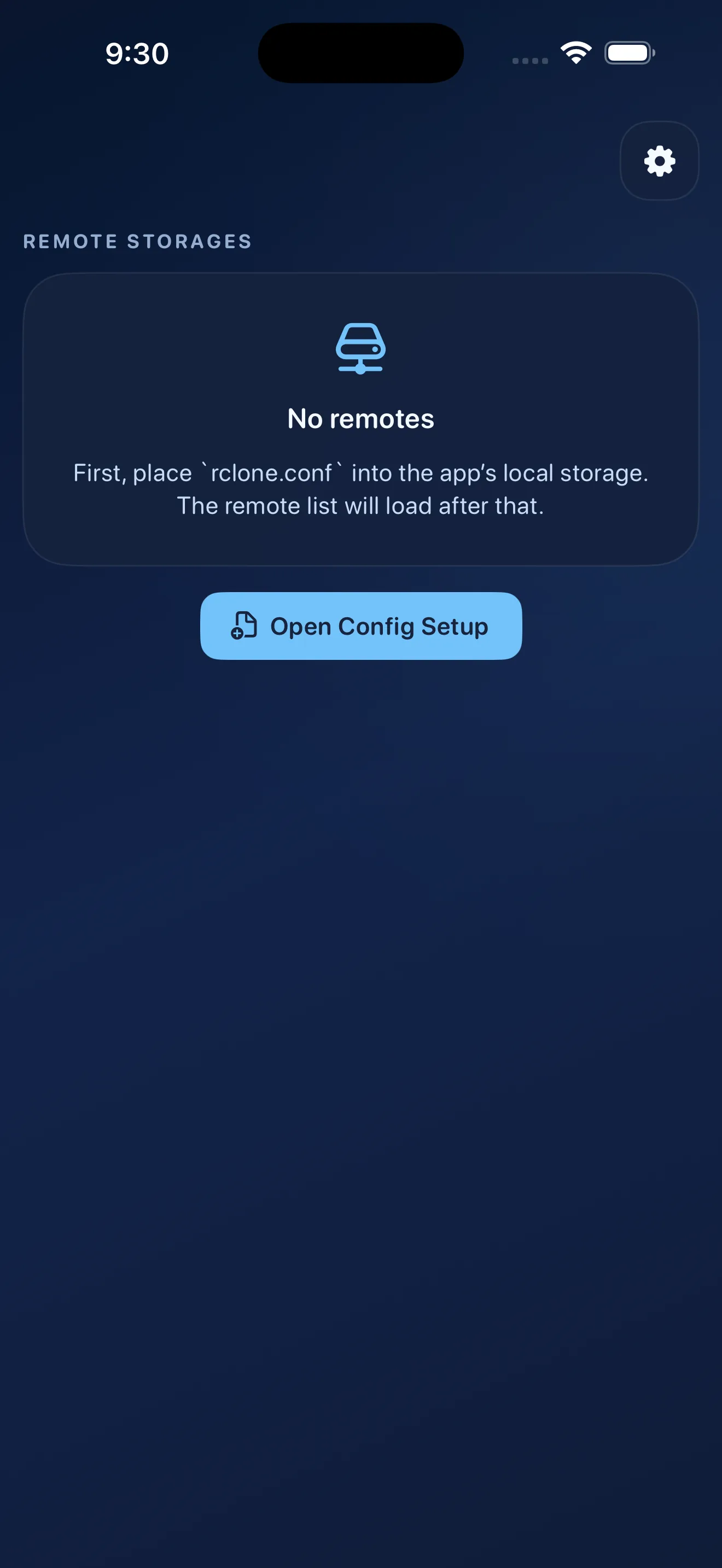
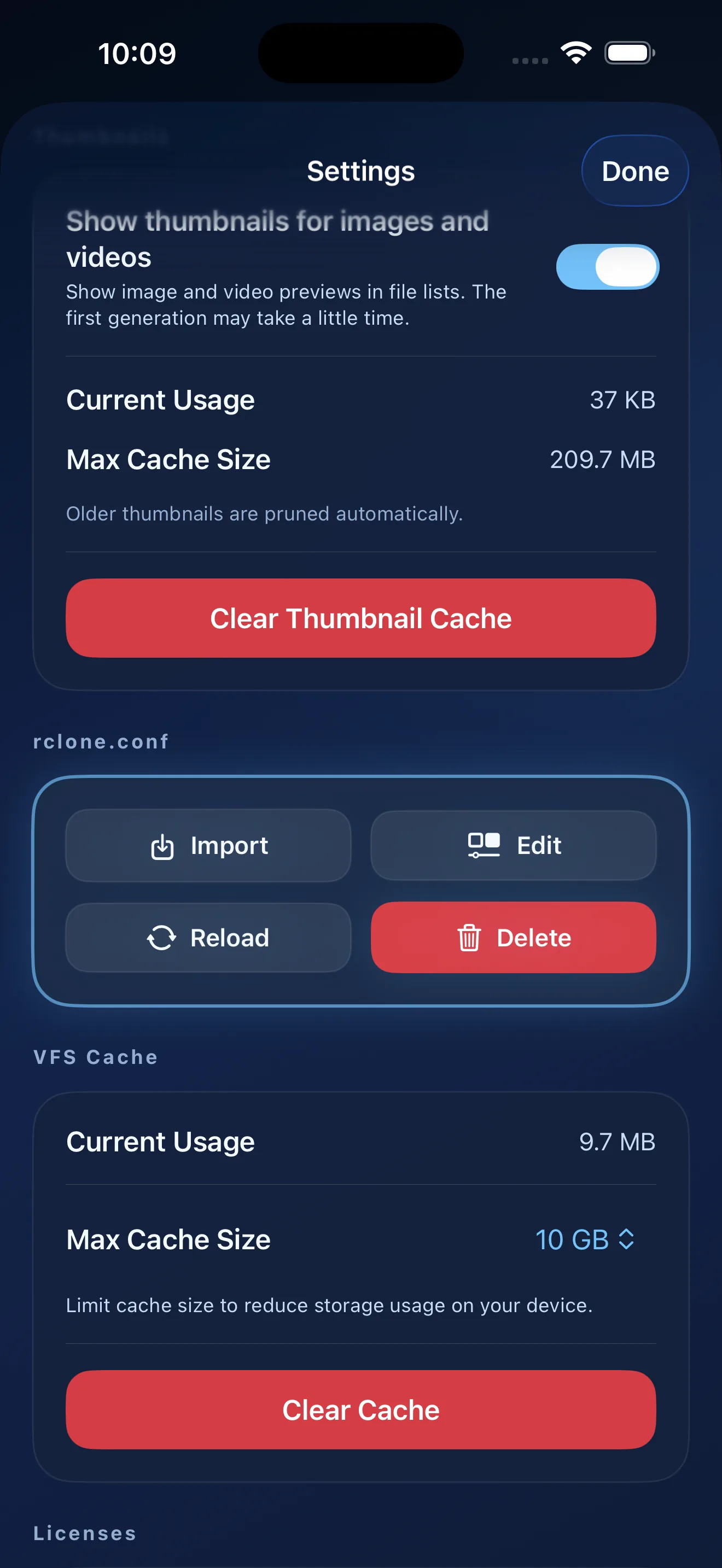
Continue to the import settings and import your rclone.conf file.
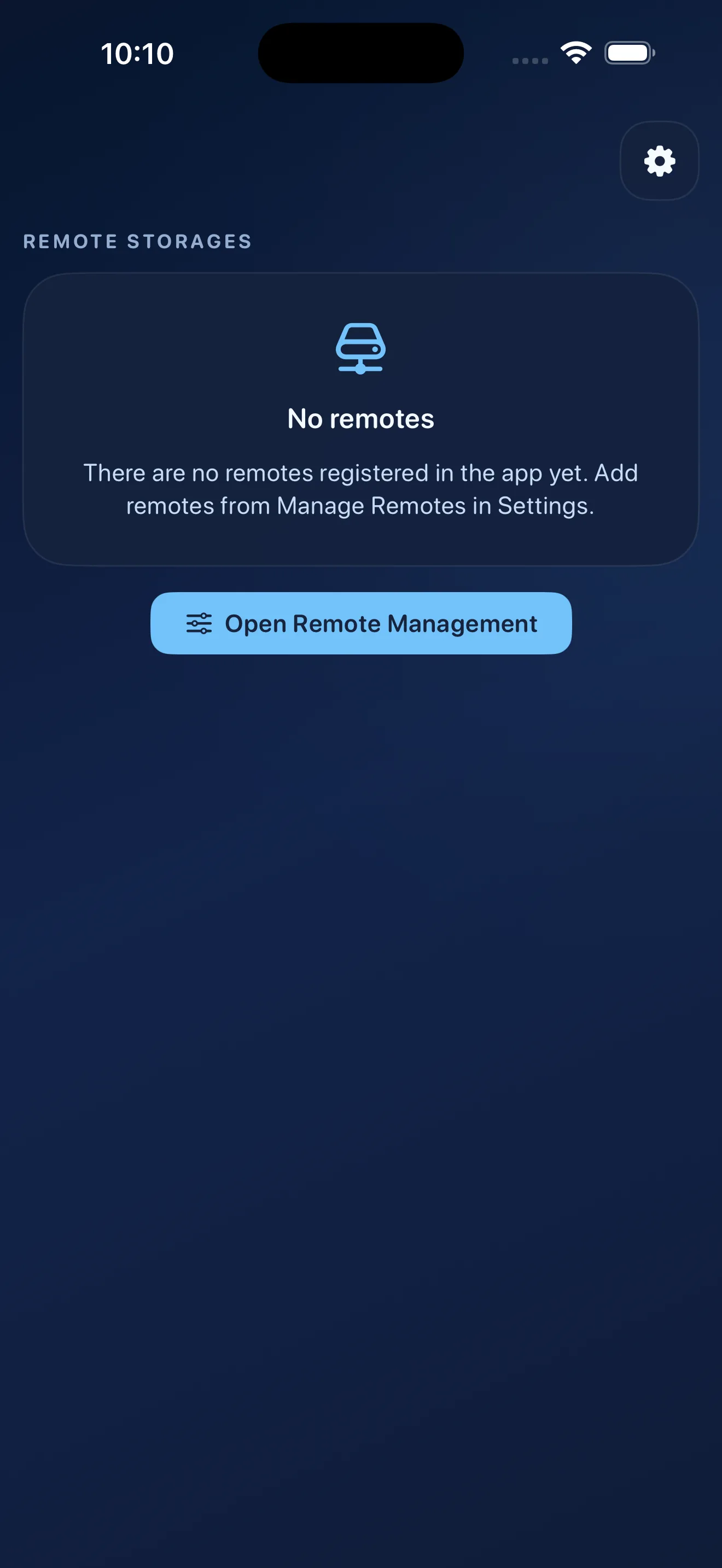
Adding a Remote
After rclone.conf has been imported successfully, you can add a remote.
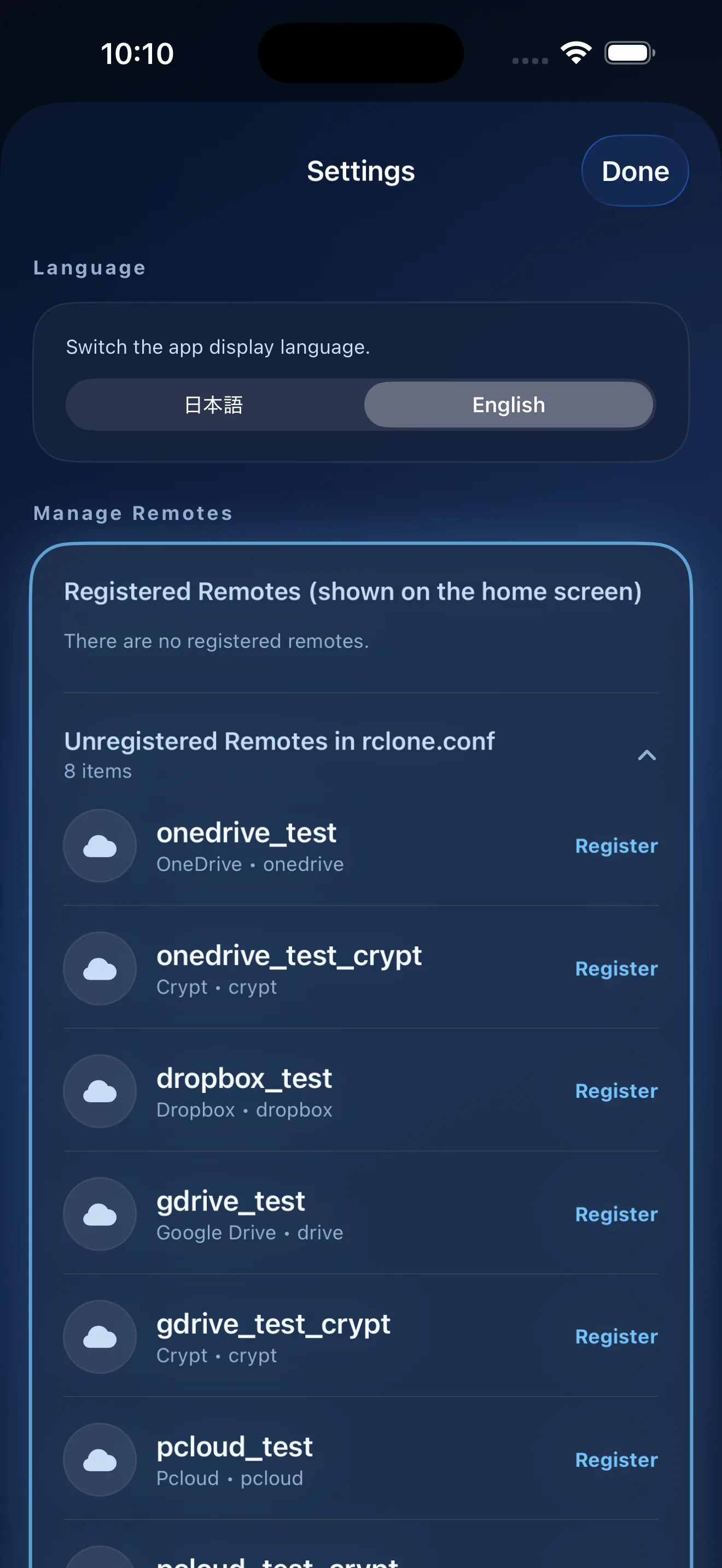
Open the settings screen to display the list, then press the add button next to the remote you want to register.
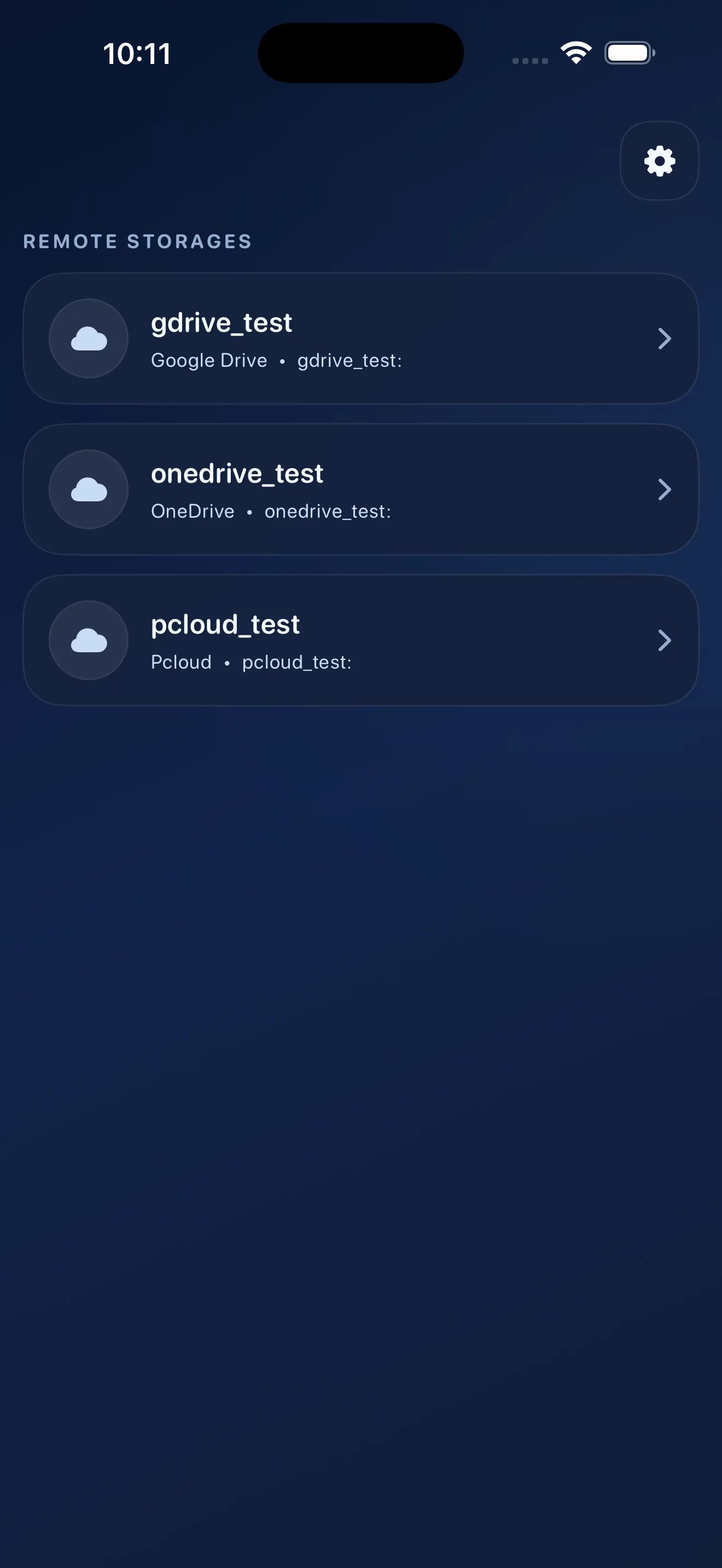
Once registered, the remote will appear on the top screen.
Playing Files
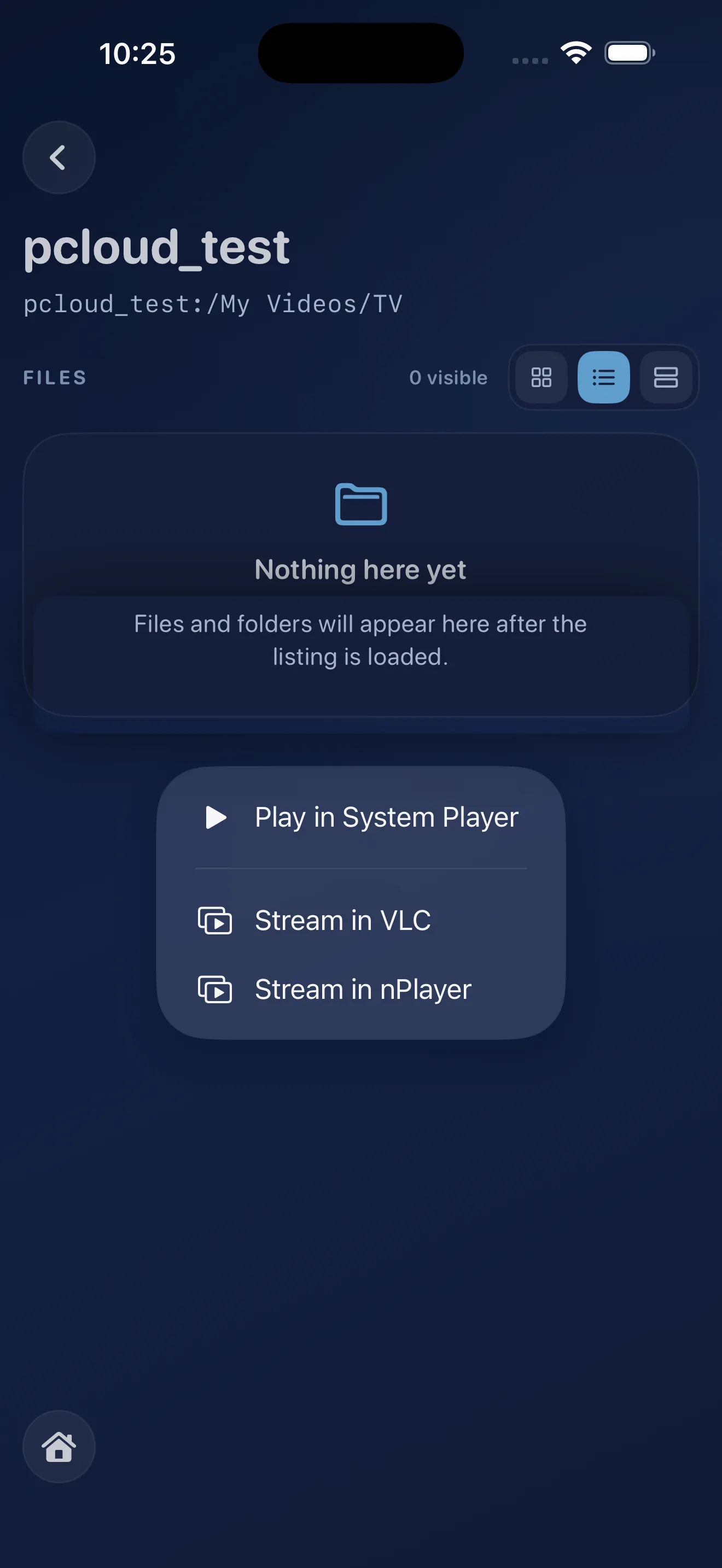
Tap a file to play it using the operating system's standard player. For videos, you can also press and hold the file to open it in an external player.
Other Features
From the settings screen, you can turn thumbnail display on or off, configure the VFS cache size, and clear each cache.
You can switch the app appearance between Dark Green, Dark Blue, and Light themes.
The app language can be switched between Japanese and English.
Privacy Policy
CloneView's privacy policies are available here: